
EconomSys › Help › Main menu › Cash payments › Cash document
In the editor you fill in a cash receipt or petty cash voucher. When it pays an invoice, enter the number of the document it belongs to – the payment is assigned to that invoice.
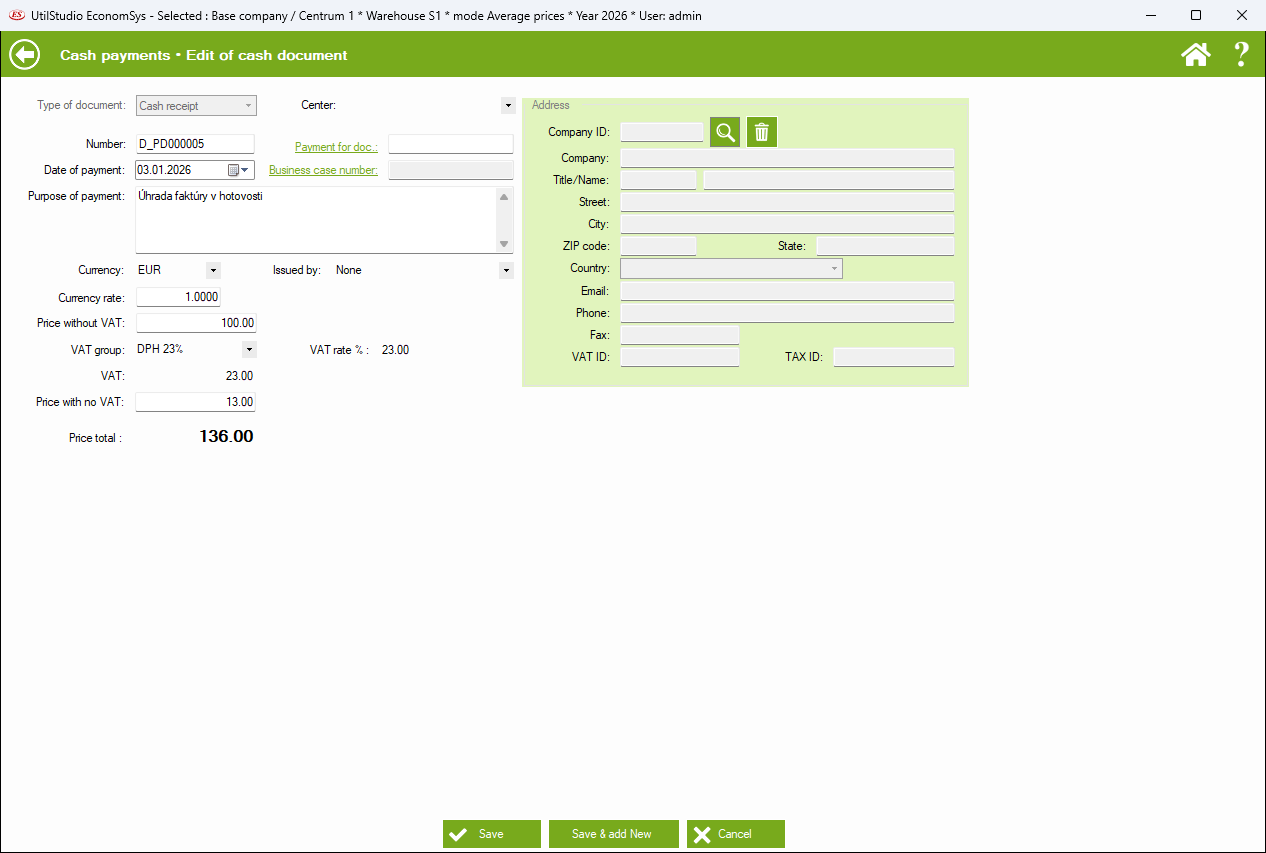
Type of document (receipt or petty cash), center, number, date of payment, the document it pays, business case, purpose, currency, exchange rate and who issued it.
Enter the price without VAT and the VAT group; the program calculates the VAT. An amount not subject to VAT is entered separately. The result is the total price.
Find the payer or recipient by Company ID with the magnifier; the bin clears it.
← Back to help contents · Need help? Contact us.
Copyright © 2020 UtilStudio, s.r.o. - UtilStudio.com