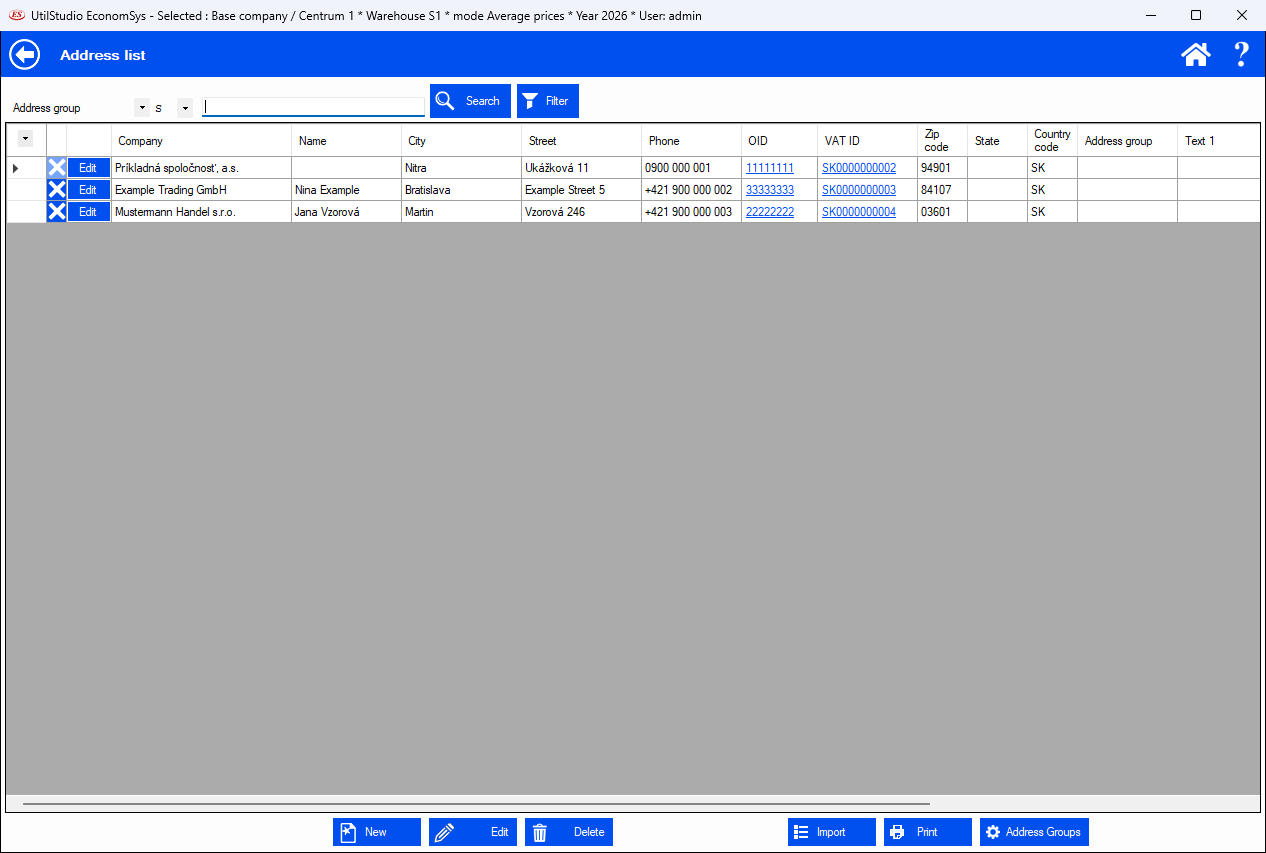
The address list is the shared address book of your company. With one click an address is filled into invoices, orders, delivery notes and cash documents, so you never retype customer details.
Address list in EconomSys – example with fictitious data
Searching
At the top choose a column (e.g. Company), the comparison and type the text, then click Search. Filter allows a more detailed selection. Click a column header to change the sorting.
Edit – opens the selected address; the Edit button in each row does the same.
Delete – deletes the selected address (the cross in the row).
Import – bulk import of addresses from a file.
Print – prints the list.
Address groups – manage groups, e.g. for automatic recurring invoicing.
How to add a new customer
In the main menu open Address list.
Click New.
Fill in Company ID, Company, Street, City, ZIP code and other details; an address copied e.g. from an e-mail can be pasted with Address from clipboard.