
EconomSys › Help › Main menu › Invoices and documents – list
The same window opens for issued invoices, incoming and issued orders, proforma invoices, delivery notes and price offers – the document type is shown in the Document field. The upper table lists the documents, the lower table the items of the selected document.
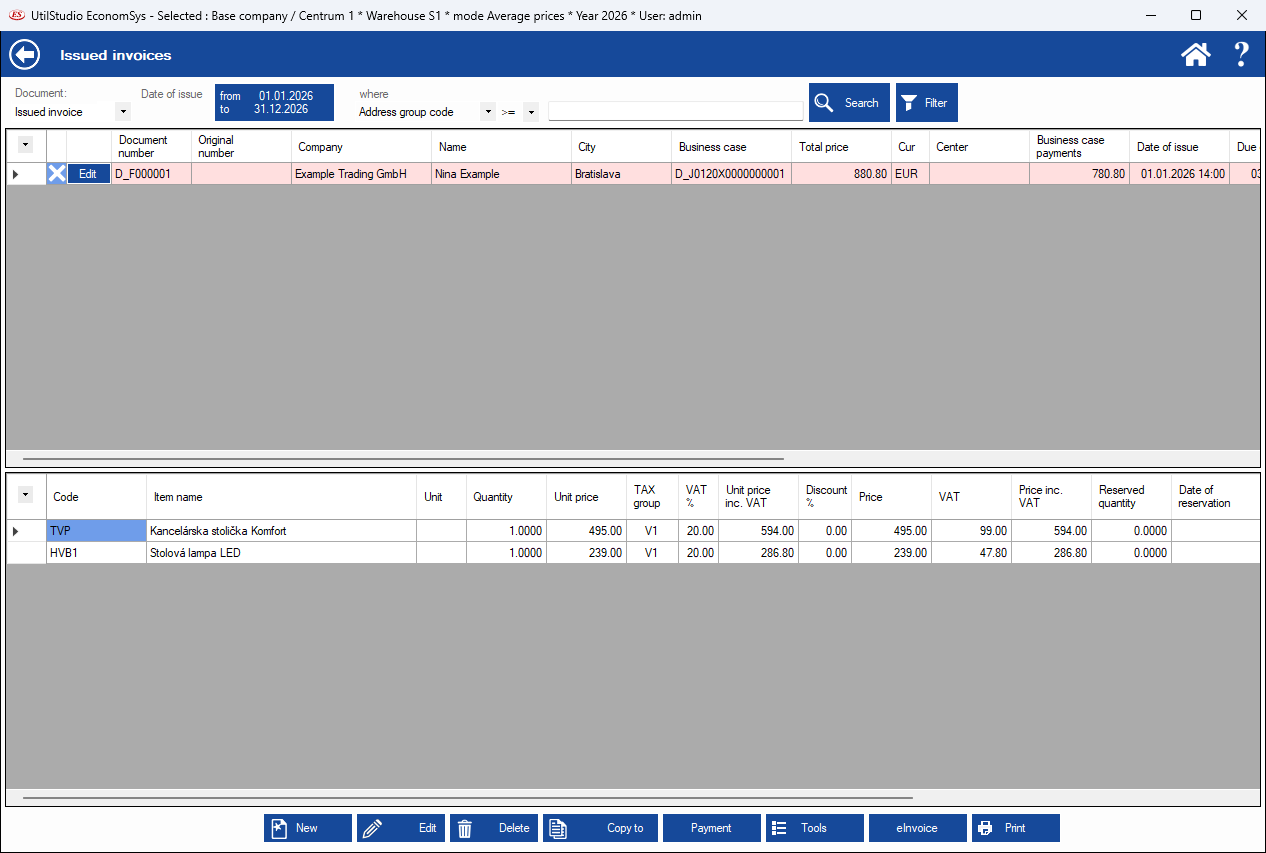
Click the blue from – to date box to choose the time period, e.g. Accounting year, Current month, Current quarter or a custom interval. If you cannot find a document, check the period first. Then choose a column in where, enter a value and click Search.
← Back to help contents · Need help? Contact us.
Copyright © 2020 UtilStudio, s.r.o. - UtilStudio.com