
EconomSys › Help › Main menu › Credit notes, incoming invoices and debit notes
This menu opens three lists: Credit notes (lower the invoiced amount, e.g. for a complaint), Debit notes (raise the amount) and Incoming invoices (invoices from suppliers).
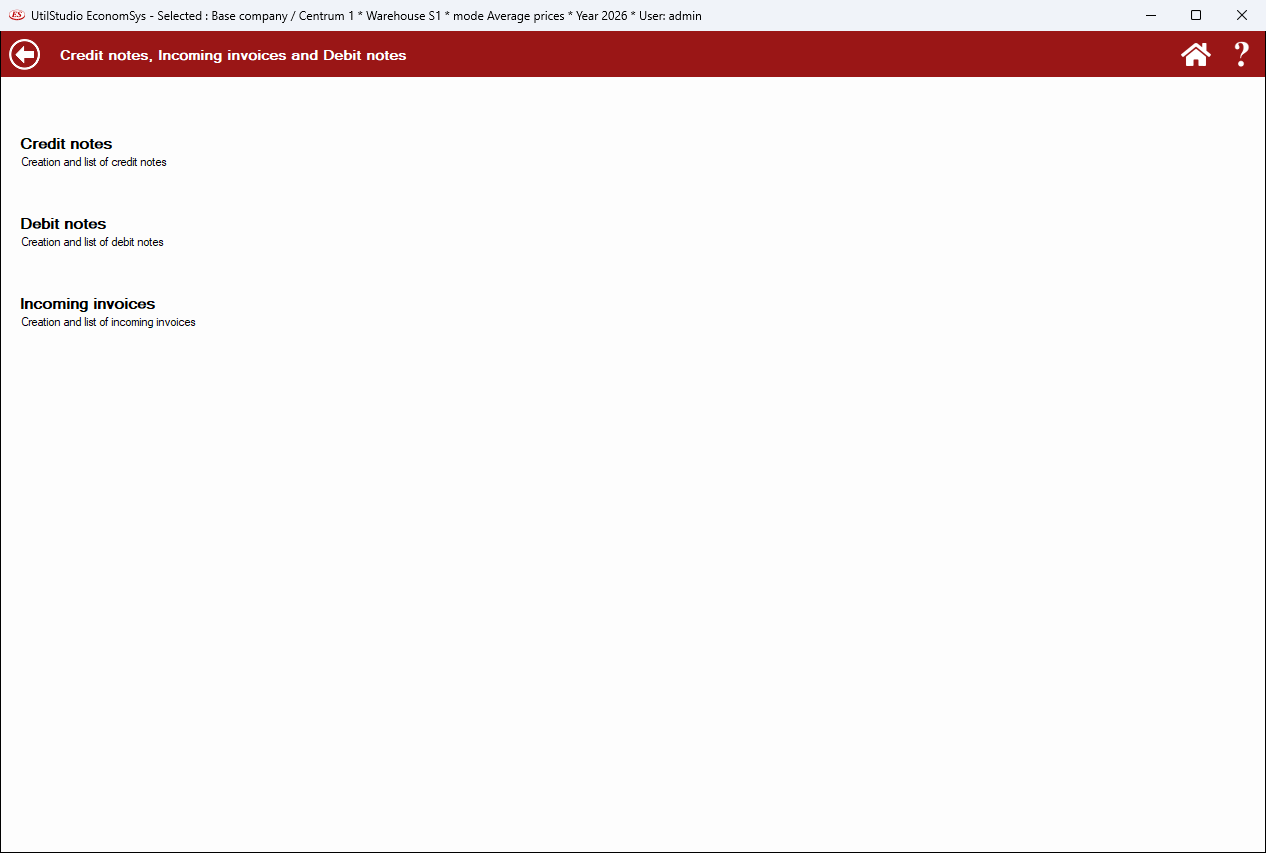
The lists and editors work the same way as issued invoices (document list, editor). The quickest way to create a credit note is Copy to on the original invoice.
Electronic invoices from suppliers can be received through the Peppol network (EN 16931).
← Back to help contents · Need help? Contact us.
Copyright © 2020 UtilStudio, s.r.o. - UtilStudio.com